Need a clear invoice?
Add your business, customer and item details. Check the preview, then download or print the PDF.
Invoicing for Indian businesses
Create quotations and invoices, check the details, and download a PDF. Reuse customer and item details next time.
10 free invoices. No card required to start.
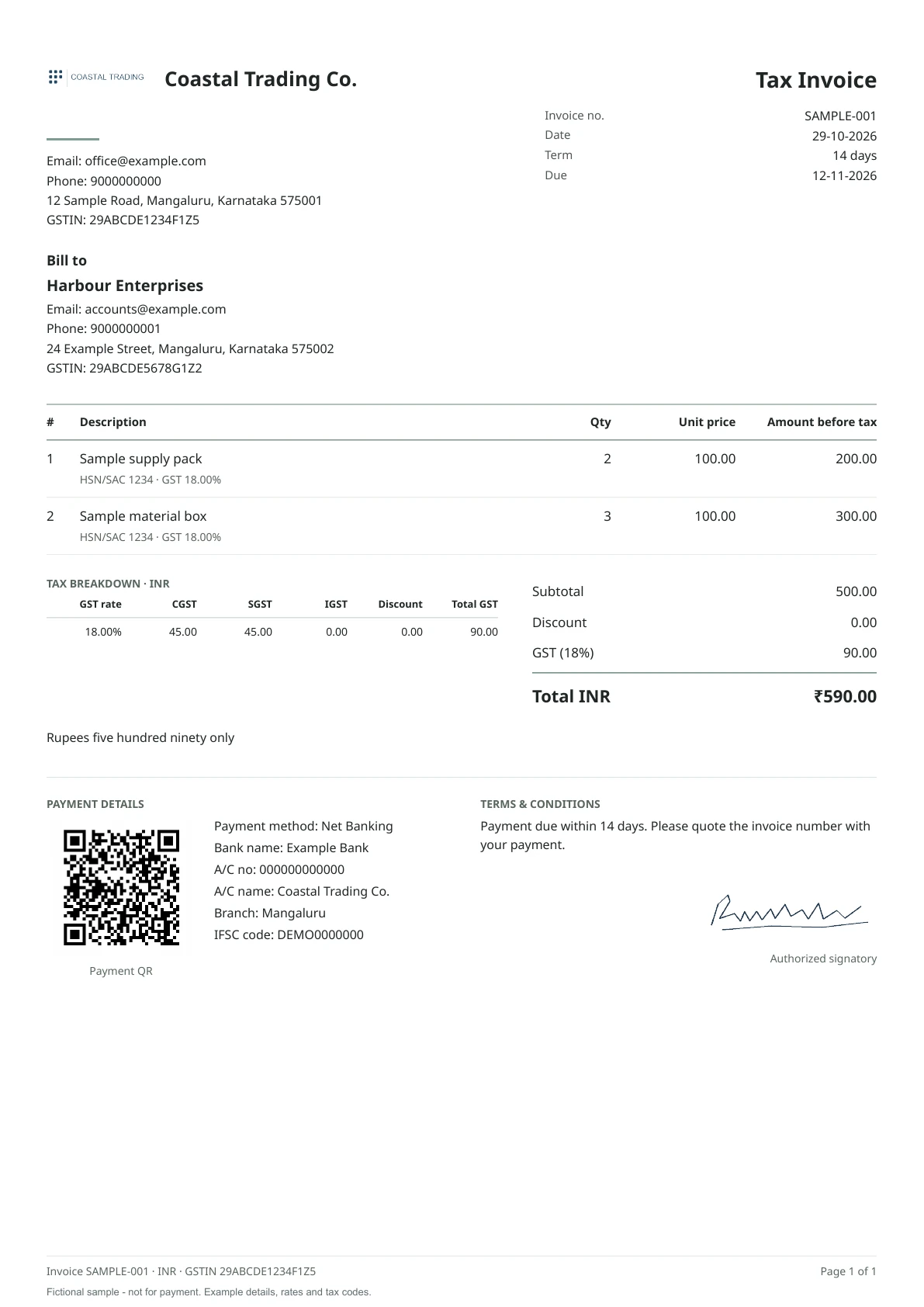
Actual MyKonto PDF · Fictional sample
For your everyday work
Prepare the document you need, reuse your details and keep track of your invoices.
Add your business, customer and item details. Check the preview, then download or print the PDF.
Select saved customers and items when you prepare another invoice.
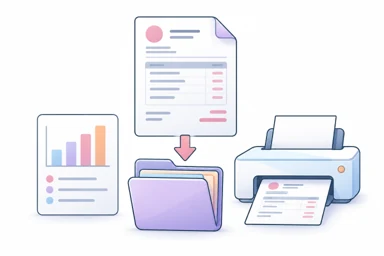
Find and edit saved invoices. See invoice summaries and export your records to Excel.
See the output
Everyday billing for goods and services, with your business details and a clear tax breakdown.
Open sample PDF ↗Generated by MyKonto with fictional details, example rates and codes.
Essential design · Fictional sample invoice
Reports and analytics
See invoice values, status and top customers at a glance. Export the details when you need them.
A guided workflow
Six steps, with room to go back and make changes. Start by creating an account and adding your business details.
Choose Standard, Product or Service.
Enter customer details or select a saved record.
Add quantities, prices, discounts and GST rates.
Include payment details and your terms.
Check your entries and colour-coded review notes.
Preview the PDF, then download or print.
Work together
Choose how you want to work. Each person uses their own sign-in.
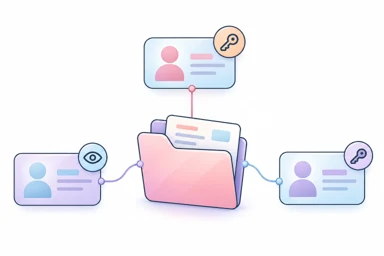
Invite your accountant or staff and choose whether they can prepare documents or only read and export records.
See the team setup guide (PDF) →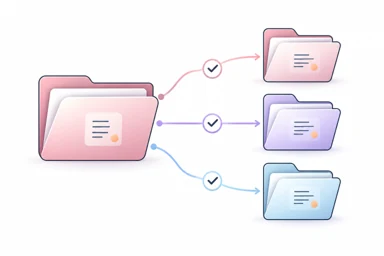
Connect an existing client, or help a new client get started. The client authorizes access; your office assigns the colleagues who will work on their records.
See the CA office guide (PDF) →Each business workspace has its own records and plan. Check the people included in the selected business plan before inviting colleagues.
Clear pricing
Quotations, invoicing and invoice analytics in every plan. Paid plans are one-time purchases.
Introductory pricing
10 invoices
No expiry
No payment needed to start.
100 invoices
Valid for 30 days per purchase
No automatic renewal.
500 invoices
Valid for 30 days per purchase
No automatic renewal.
Preparing a quotation uses no invoice allowance. Creating a new invoice, including from a quotation, uses one. Editing an existing invoice does not use another. View plan details →
Create an account and start with 10 invoices, with no expiry. Quotations are included and do not use invoice allowance. No card is required to start.
No. Open MyKonto in your web browser and sign in. Add your business details, then create your first quotation or invoice.
Yes. MyKonto runs in your phone or computer’s web browser. Printing options depend on your device and printer.
You choose the applicable GST rates and tax split. MyKonto calculates the amounts from your entries and shows the breakdown. Review the details for your business before issuing the invoice.
You can choose Starter or Business when you need more invoice creations. Paid plans have a fixed 30-day period and do not renew automatically.
Our vision
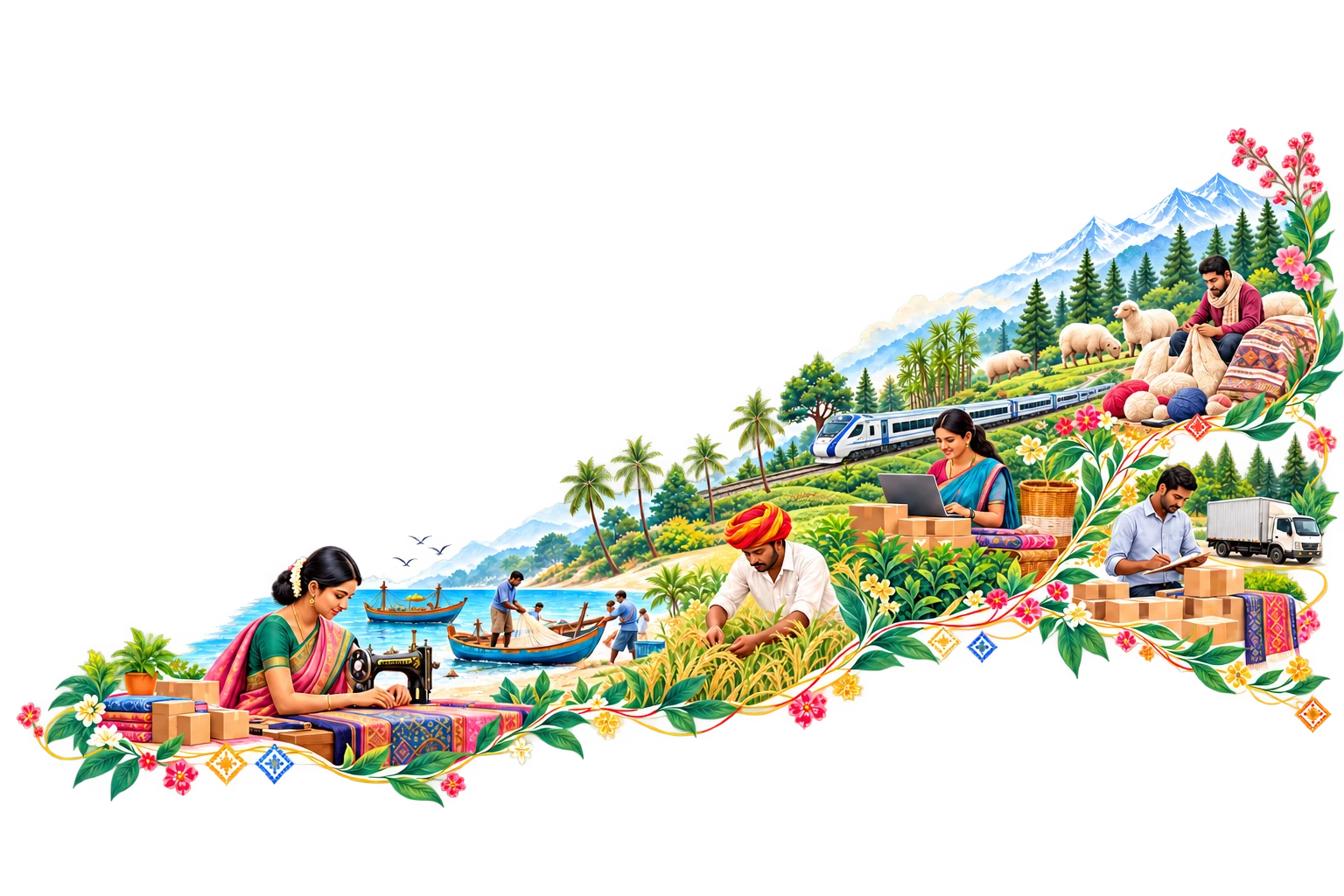
Across India, businesses grow through skill, trust and hard work—often across generations.
We’re building MyKonto to make professional business tools simpler and more affordable, so a small team can present its work with the same confidence as a larger company.
Simple, affordable tools.
More time for the work that matters.
Start with 10 free invoices. Choose a paid plan when you need more.