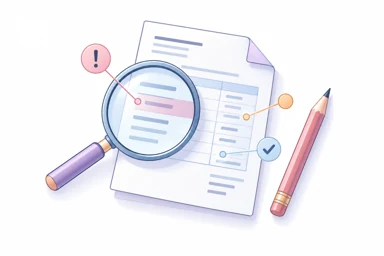
Check before you share.
Review notes point out entries worth checking. Correct an unintended entry or keep an intentional value, then continue to print. You choose the applicable tax rates and check the finished document.
MyKonto by Octet Solutions
Set up your business, then follow the same guided flow each time.
Your first document
Create an account, add your business name and contact details, then open Invoice management. You can save customer and item details as you go.
The invoice workflow
Move forward when you are ready, or go back to change an entry.
Choose Standard, Product or Service.
Enter customer details or select a saved record.
Add quantities, prices, discounts and GST rates.
Include payment details and your terms.
Check your entries and colour-coded review notes.
Preview the PDF, then download or print.
Review notes point out entries worth checking. Correct an unintended entry or keep an intentional value, then continue to print. You choose the applicable tax rates and check the finished document.
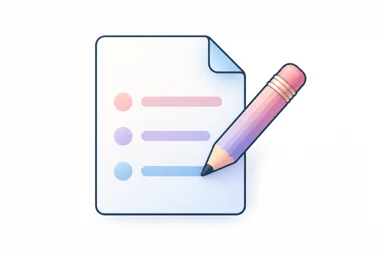
Find the saved invoice in Invoice management and choose Edit invoice. Check the updated preview and download a fresh PDF before sharing the correction.
Work together
Choose how you want to work. Each person uses their own sign-in.
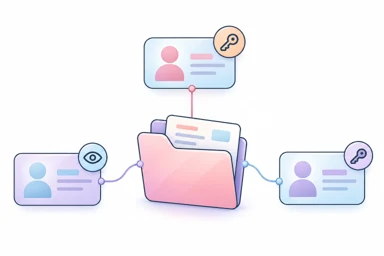
Invite your accountant or staff and choose whether they can prepare documents or only read and export records.
See the team setup guide (PDF) →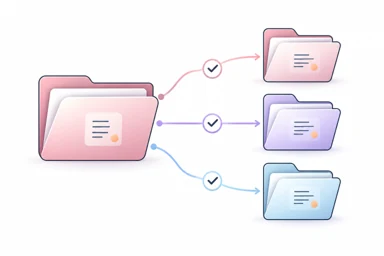
Connect an existing client, or help a new client get started. The client authorizes access; your office assigns the colleagues who will work on their records.
See the CA office guide (PDF) →Each business workspace has its own records and plan. Check the people included in the selected business plan before inviting colleagues.
Start with 10 free invoices. Choose a paid plan when you need more.