Invoice layouts
Standard for everyday goods and services. Product for details such as MRP, manufacturer, batch and expiry. Service for longer work descriptions and project references.
MyKonto by Octet Solutions
Prepare quotations, create invoices and keep track of both in your browser.
Standard for everyday goods and services. Product for details such as MRP, manufacturer, batch and expiry. Service for longer work descriptions and project references.
Keep customer, item, bank and terms details in Saved details. Select saved records while preparing an invoice.
Enter HSN/SAC, applicable GST rates and discounts. Choose CGST + SGST or IGST and see the calculated tax breakdown.
Colour-coded review notes highlight entries worth checking. Revisit an entry or keep it as entered, then continue to print.
Preview the generated PDF before downloading. Choose portrait or landscape and Essential or Classic presentation, with your logo and optional signature or payment QR.
Find and edit past invoices, review invoice values, status charts and top customers, and export filtered records to Excel. These insights reflect invoice records, not cash collected.
See the output
Everyday billing for goods and services, with your business details and a clear tax breakdown.
Open sample PDF ↗Generated by MyKonto with fictional details, example rates and codes.
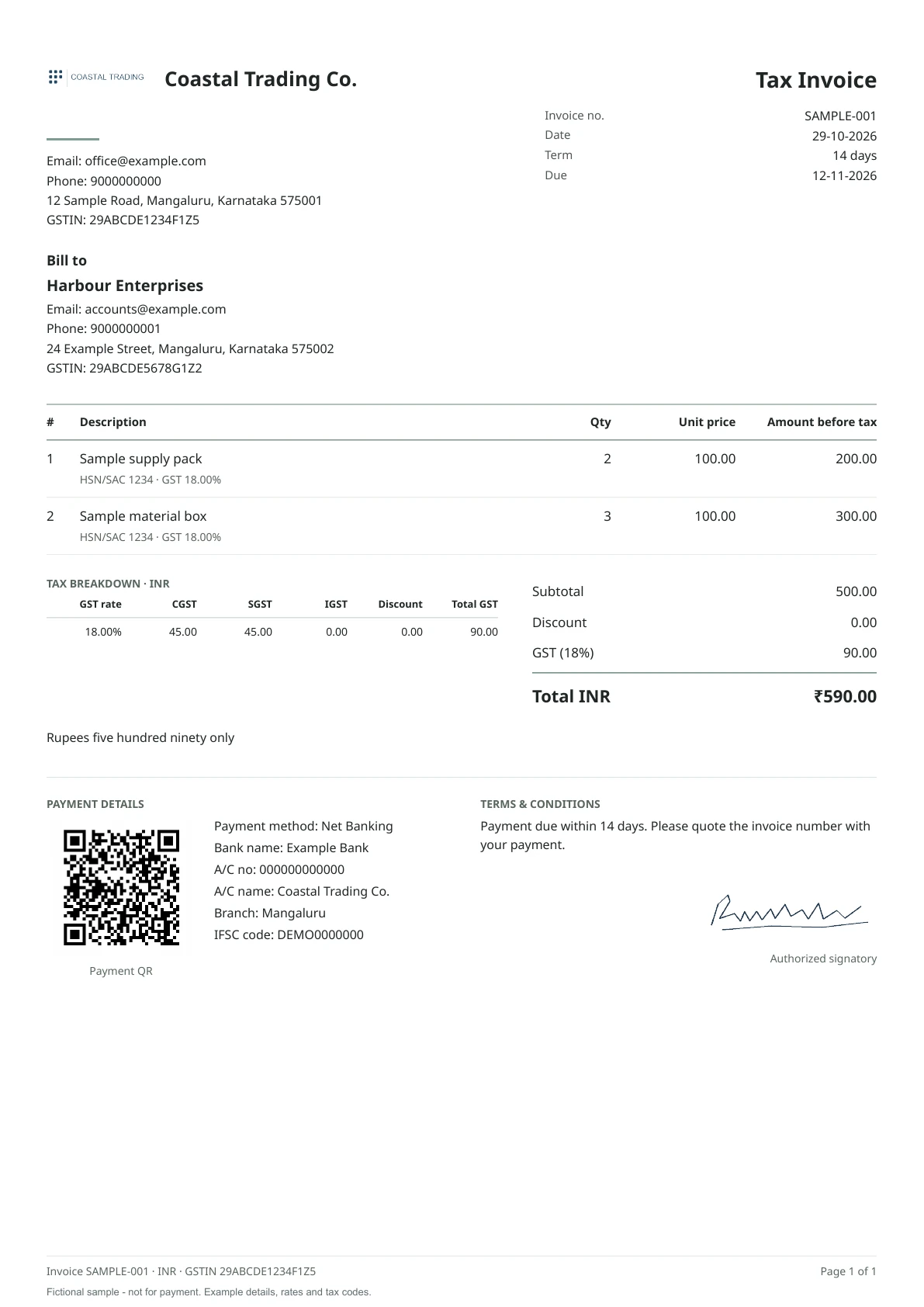
Essential design · Fictional sample invoice
Reports and analytics
See invoice values, status and top customers at a glance. Export the details when you need them.
Work together
Choose how you want to work. Each person uses their own sign-in.
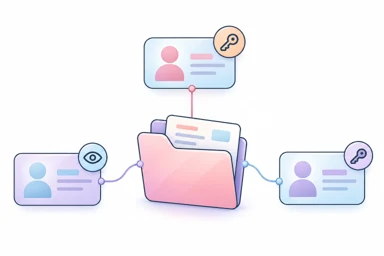
Invite your accountant or staff and choose whether they can prepare documents or only read and export records.
See the team setup guide (PDF) →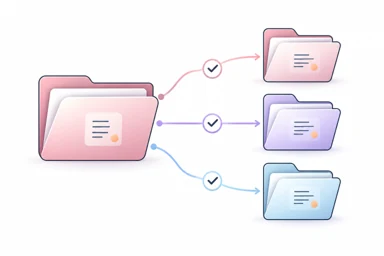
Connect an existing client, or help a new client get started. The client authorizes access; your office assigns the colleagues who will work on their records.
See the CA office guide (PDF) →Each business workspace has its own records and plan. Check the people included in the selected business plan before inviting colleagues.
Start with 10 free invoices. Choose a paid plan when you need more.